
On this page
Which one fits depends on four things: the operating system you work on, the agents you run, where you want those agents to run, and what should happen once a pull request exists. We checked every fact below against each tool's own docs, pricing page or license file on October 9, 2026. This page is about Conductor the app for coding agents (conductor.build), not the enterprise SEO platform with the same name.
Conductor alternatives at a glance
| Tool | Runs on | Agents | Isolation | Where agents can run | License | Price | Account |
|---|---|---|---|---|---|---|---|
| Conductor | macOS | Claude Code, Codex, Cursor, OpenCode | Git worktree per workspace | Your Mac; Conductor Cloud on Pro | Proprietary | Free; Pro $50/month; Teams $60/user/month (invite only) | GitHub required |
| Superset | macOS; Linux (experimental) | Any CLI agent | Git worktree | Your machines; cloud workspaces in early access | Elastic License 2.0 (source available) | Free; Pro $20/user/month ($15 billed yearly) | Not documented for local use |
| Emdash | macOS, Windows, Linux | 35 agent CLIs | Git worktree | Your machine; remote machines over SSH | Apache-2.0 | Free desktop app; cloud is sales-led | Not documented |
| Paseo | macOS, Windows, Linux, iOS, Android, web | Claude Code, Codex, OpenCode, Cursor and more | Git worktree (optional) | Any machine running its daemon | Apache-2.0 | Free app; optional paid Hub | No |
| Pane | macOS, Windows, WSL, Linux | Any terminal agent | Git worktree | Your machine; your own remote daemon | AGPL-3.0-or-later with attribution terms | Free, no paid plan | No |
| Nimbalyst | macOS, Windows, Linux, iOS | Claude Code, Codex (others in alpha) | Git worktree (opt in per session) | Your machine | MIT | Free for individuals; Teams $20/user/month (free in beta) | Not for individuals |
| cmux | macOS 14+ | Any terminal agent | None built in (it's a terminal) | Your Mac; SSH hosts; cloud VMs on paid plans | GPL-3.0-or-later (app) | Free; Pro $50/month; Max $200/month | Only for paid plans |
| Claude Code | macOS, Linux, Windows | Claude Code | Git worktree with --worktree | Your machine; Anthropic's cloud | Proprietary | Needs a Claude plan or API key | Claude account or API key |
| Bossanova | macOS, Linux x86_64 | Claude Code, Codex (OpenCode coming soon) | Git worktree per task session | Your machines; web control on Cloud | Open source (source on GitHub) | Free locally; Cloud $9/month | Only for Cloud |
What Conductor does well
Conductor is a polished Mac app that runs Claude Code, Codex, Cursor and OpenCode agents side by side. Its docs explain the model plainly: "Conductor creates these separate checkouts with Git worktrees," one workspace per branch. You review the diff, then merge. The free plan runs everything locally with your own subscriptions and keys. Pro ($50 a month) adds Conductor Cloud, where workspaces run in sandboxes and keep going after you close the app, plus live collaboration and an API. Conductor shipped an iOS app in version 0.90.0 on October 2, 2026, and is SOC 2 Type II attested.
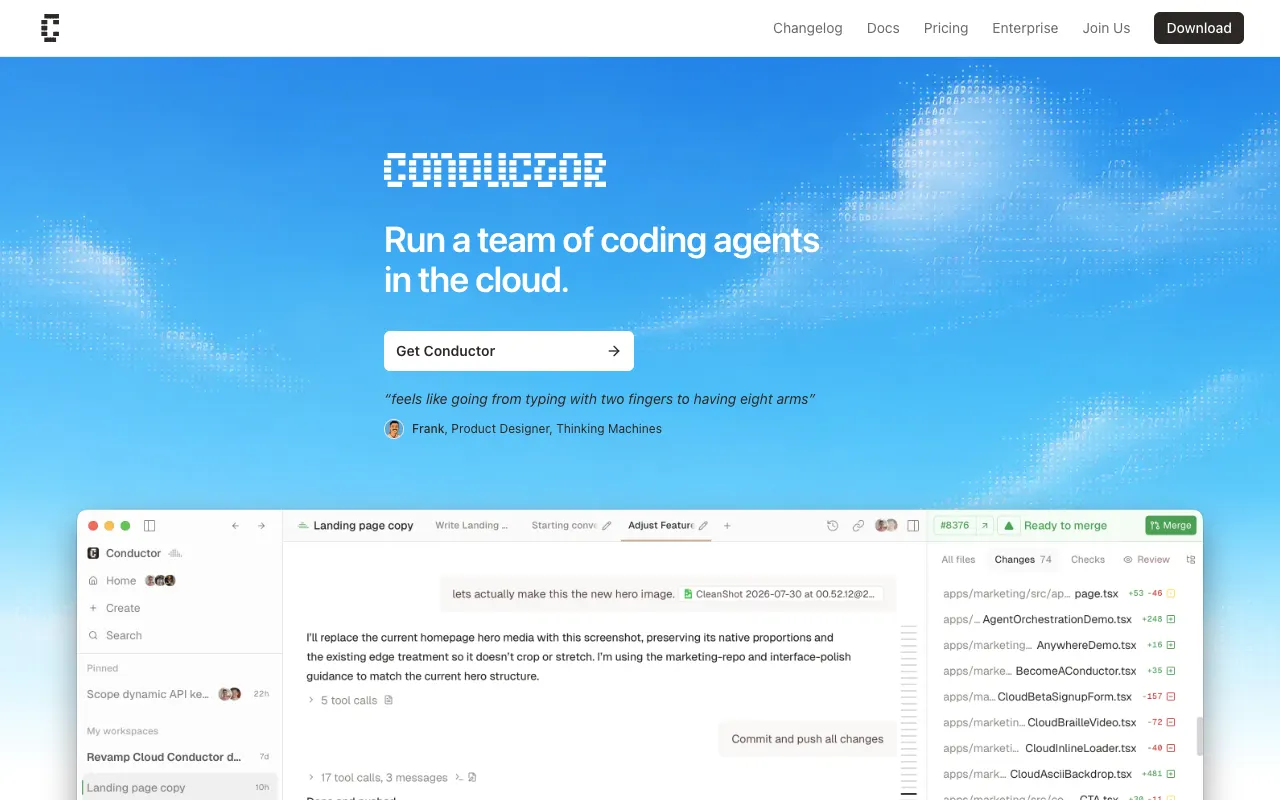
If you're on a Mac, your code is on GitHub and you like a chat view more than a terminal, Conductor is a very well made tool.
Why people look elsewhere
People look elsewhere for four reasons:
- It's macOS only. The docs say so directly: "Conductor is not available for Windows or Linux yet."
- It's closed source. No source repository is published.
- Cloud costs $50 a month per person. That's the entry price for running workspaces off your laptop.
- It wants GitHub. "You need GitHub and at least one agent provider to use Conductor."
The alternatives
Superset
Superset is the closest thing to Conductor on this list. It's a desktop app that puts each agent in its own git worktree and shows them in one workspace, but it takes any CLI agent instead of a fixed set: Claude Code, Codex, OpenCode, Gemini, Cursor Agent and more. It also has a CLI, an MCP server and an iPhone app (Pro only).
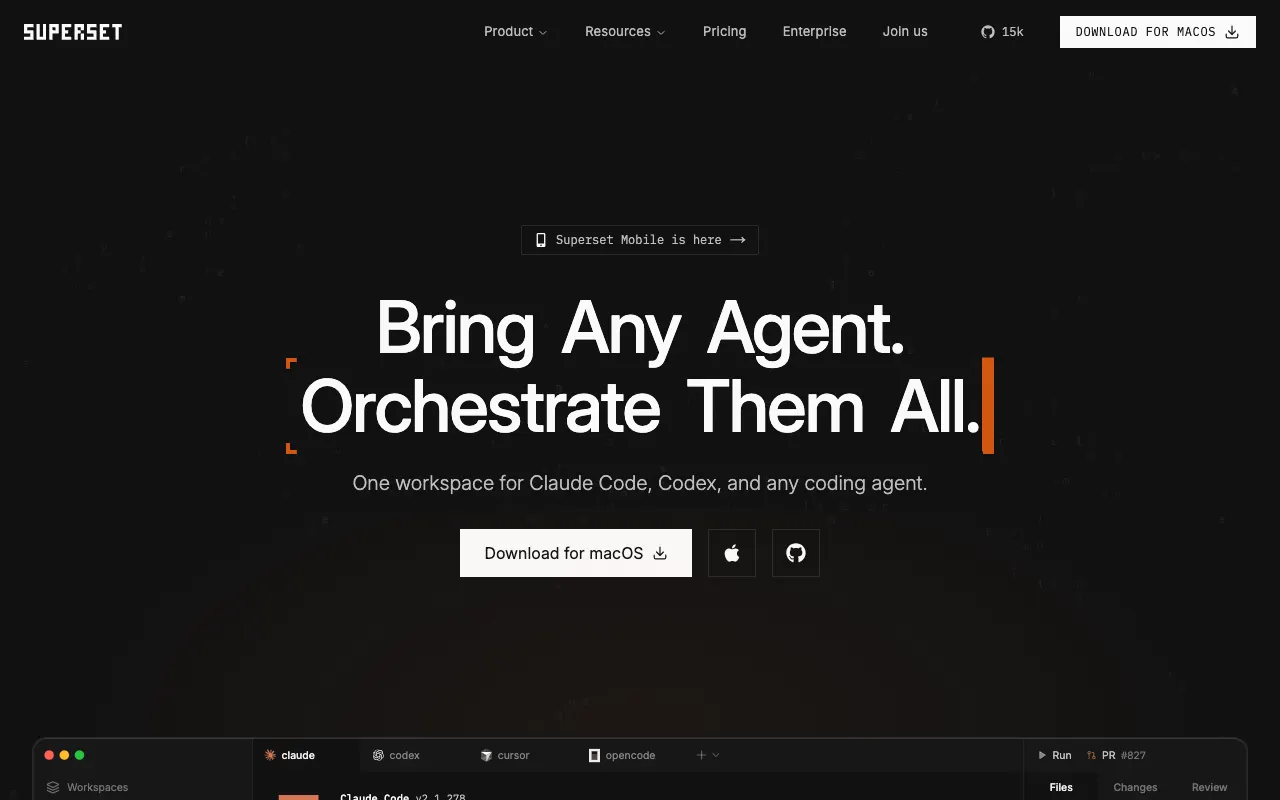
It suits Mac users who want Conductor's shape with more agents and a cheaper paid tier. The catch: Linux is experimental and there's no Windows build. The source is public under theElastic License 2.0, which is source available, not open source.
Price: free for one user; Pro is $20 per user a month, or $15 billed yearly.
Emdash
Emdash calls itself an open-source agentic development environment. Each task gets its own worktree, branch, terminal and conversation, and it supports 35 agent CLIs. It runs on macOS, Windows and Linux, and can run tasks on remote machines over SSH.
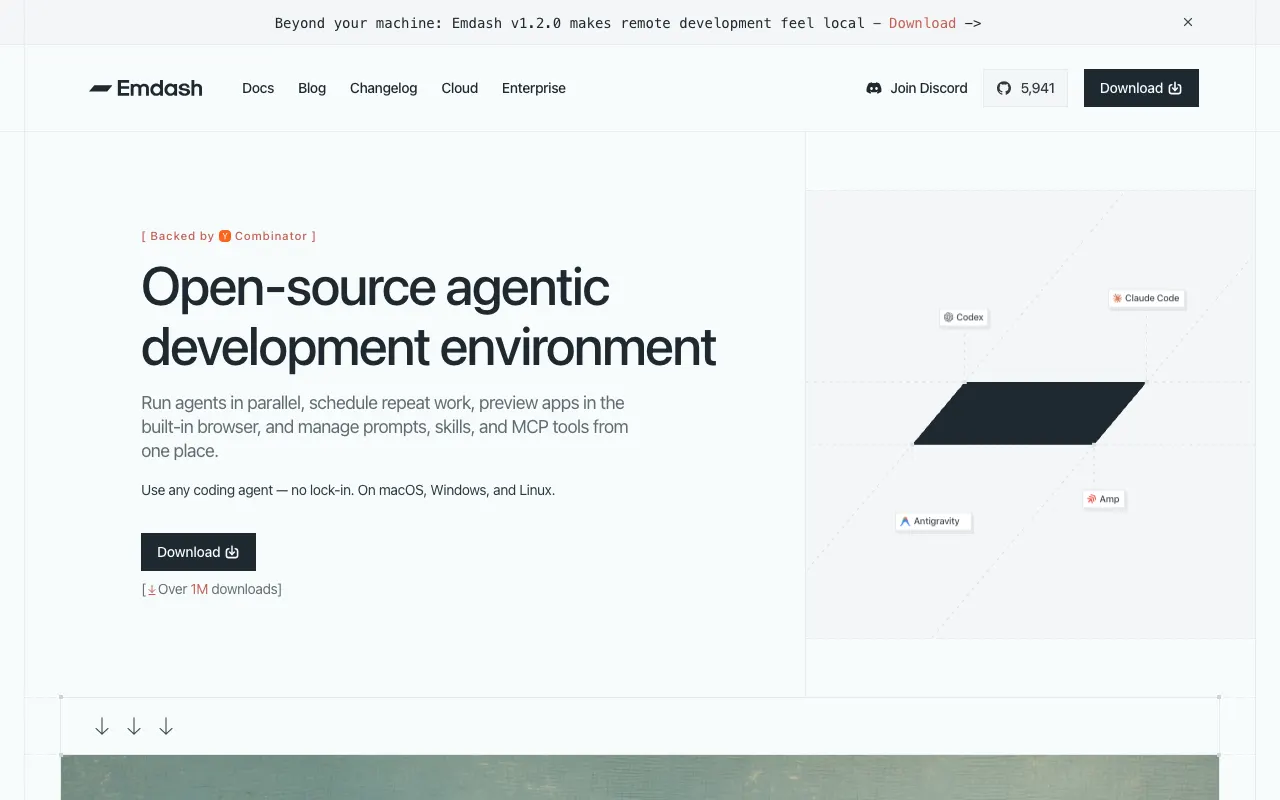
It suits cross-platform teams who want the widest agent support and an Apache-2.0 license. The catch: CI results and PR comments are shown, but handing them to an agent is up to you. Its cloud offering is contact-sales with no published prices.
Price: the desktop app is free.
Paseo
Paseo splits the tool in two: a daemon that runs your agents on any machine, and clients for desktop, web, iOS and Android that connect to it through an end-to-end encrypted relay, your own tunnel or the daemon's port. Worktrees are optional per agent.
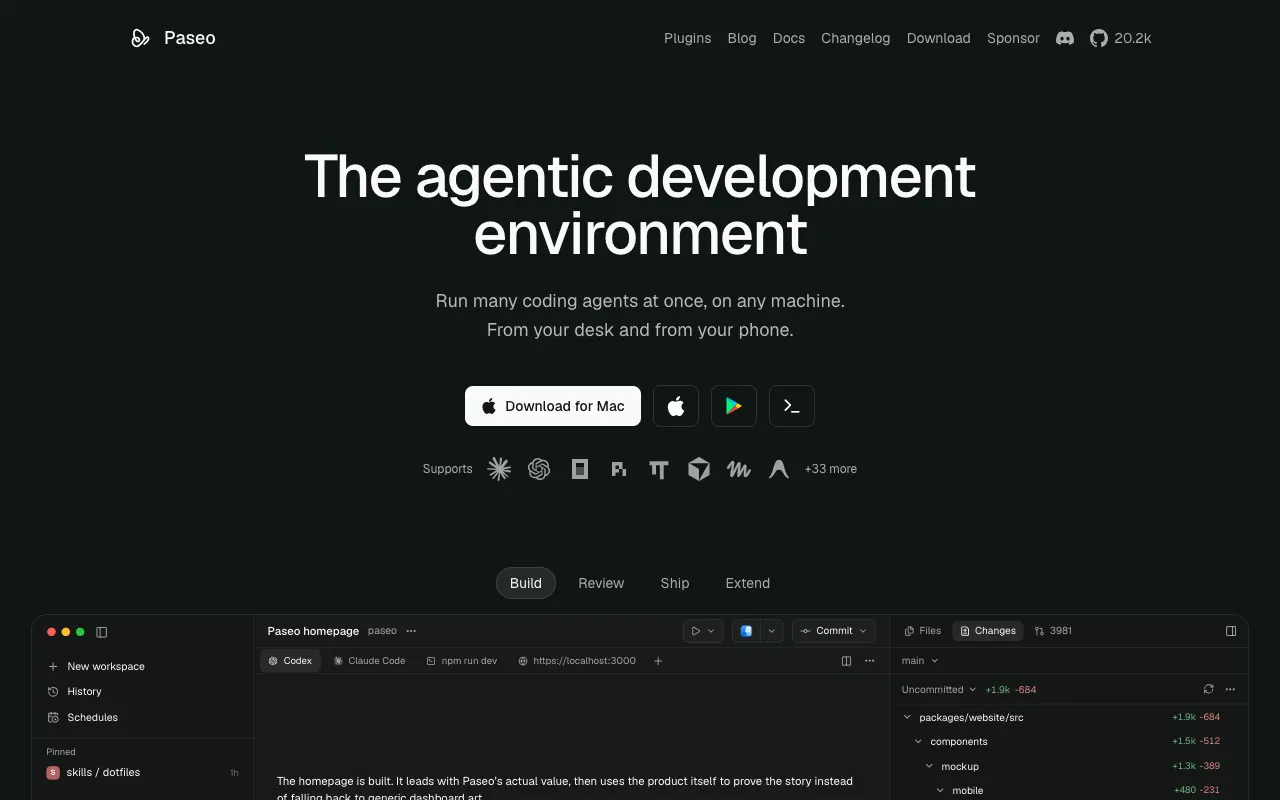
It suits anyone steering agents on a home server or cloud VM from a phone. The catch: more moving parts than a single app. In the app, you attach CI failures and review comments to an agent's chat from the PR panel; the optional Hub can run a workflow you write on new PR comments, but has no trigger for failing CI.
Price: the app is free and Apache-2.0. An optional hosted Hub adds team features and triggers on paid plans.
Pane
Pane is a keyboard-first desktop app that runs any terminal agent, each task in its own worktree, on Windows, WSL, macOS and Linux. It runs the agent's real terminal rather than a chat view, and a self-hosted Remote Pane daemon lets you reach another machine over Tailscale.
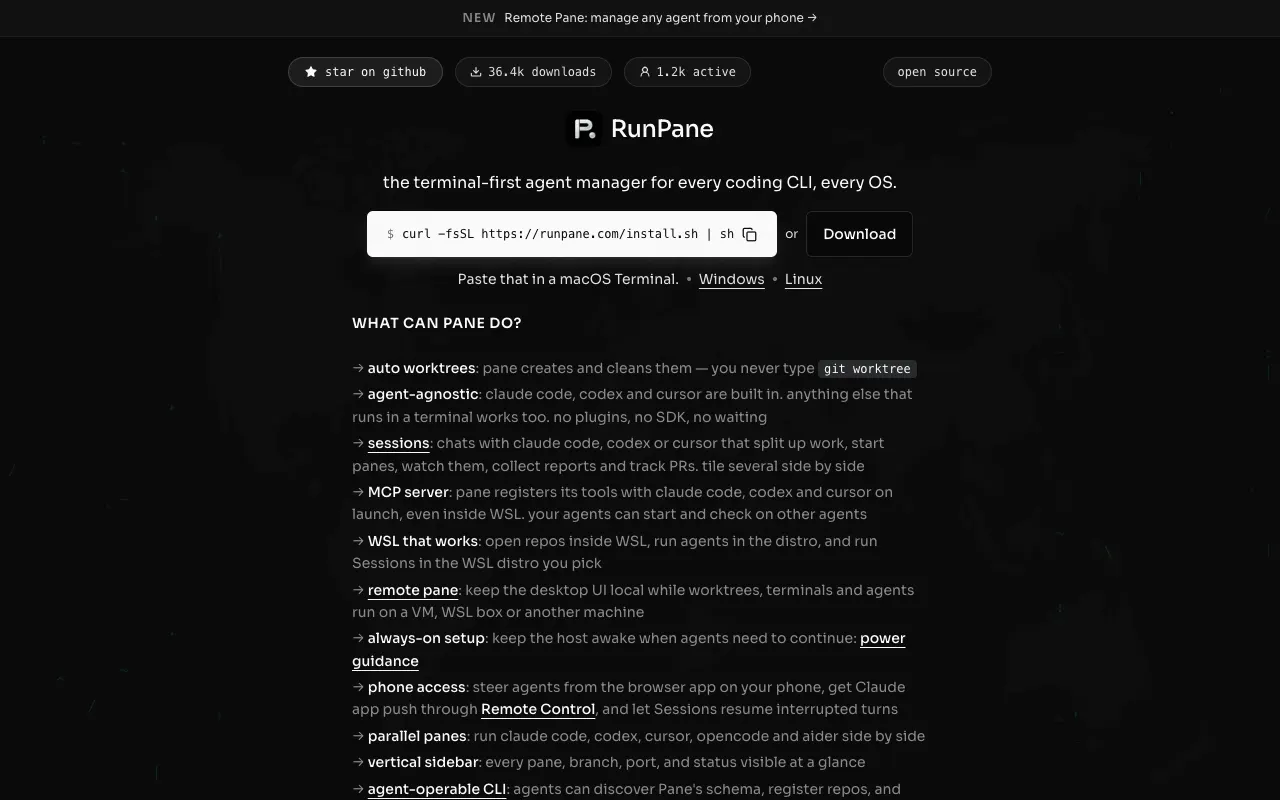
It suits Windows and WSL users, and anyone who wants to stay in a real terminal for free. The catch: the AGPL license carries extra terms that require visible attribution to its maker, which matters if you plan to modify and redistribute it. A watcher polls your pull requests about every three minutes and tells the coordinating agent about conflicts and checks, but fixing them is still a step you take.
Price: free. "There is no paid plan, seat fee, usage fee, or hosted execution subscription."
Nimbalyst
Nimbalyst wraps agent sessions in a visual workspace: markdown, mockups and diagrams sit next to the chat, plans and tracker items can start sessions, and an iOS app lets you review from your phone. Any session can opt into its own worktree with one click.
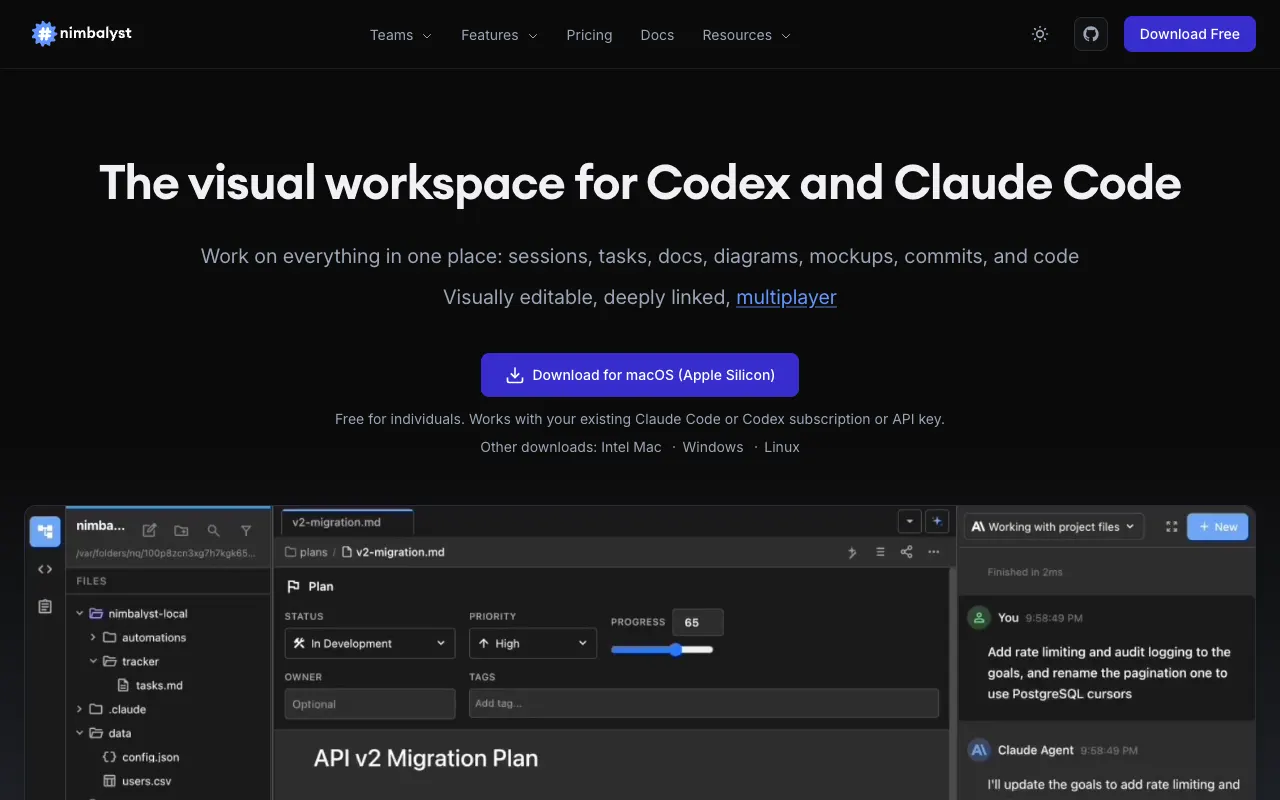
It suits people who plan visually and want Claude Code or Codex next to their documents. The catch: agents run only on your own machine, and other agents are still in alpha.
Price: free for individuals with no account. Teams is $20 per user a month, free while in beta.
cmux
cmux is a native macOS terminal built on Ghostty, with vertical tabs, notifications and a scriptable socket API for running many agents at once. It's a terminal, not an orchestrator: we found no built-in worktree management in its docs, so you create worktrees yourself.
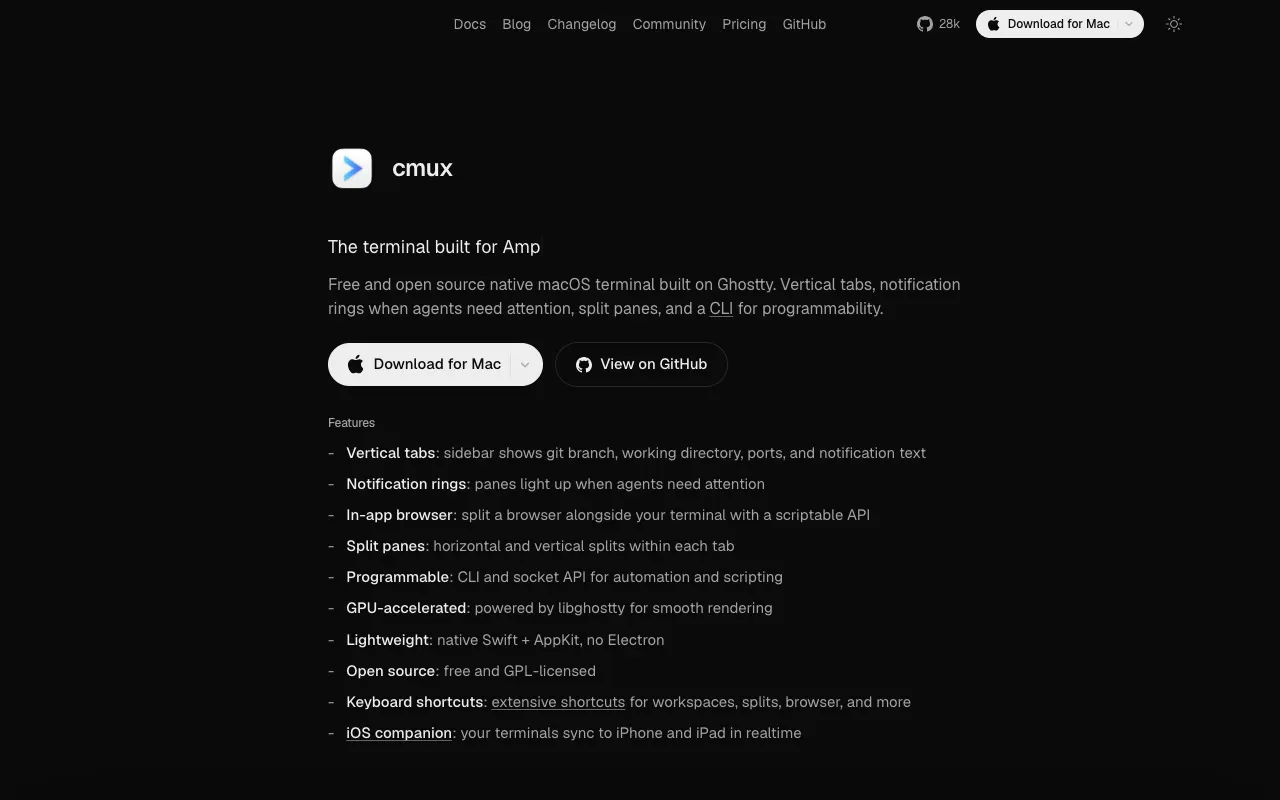
It suits Mac users who want a better terminal for their own tmux and worktree workflow, plus optional cloud VMs. The catch: macOS 14 or later only, and no isolation unless you set it up.
Price: free; Pro is $50 a month and Max $200 a month for cloud VMs.
Claude Code on its own
If Claude Code is your only agent, its built-in worktree support (see the free baseline below) covers isolation. Its desktop app and cloud sessions (not the terminal CLI) can fix failing CI and address review comments automatically once you turn that on for a pull request. Merge conflicts are the exception: the docs say to open the session and ask Claude to rebase.
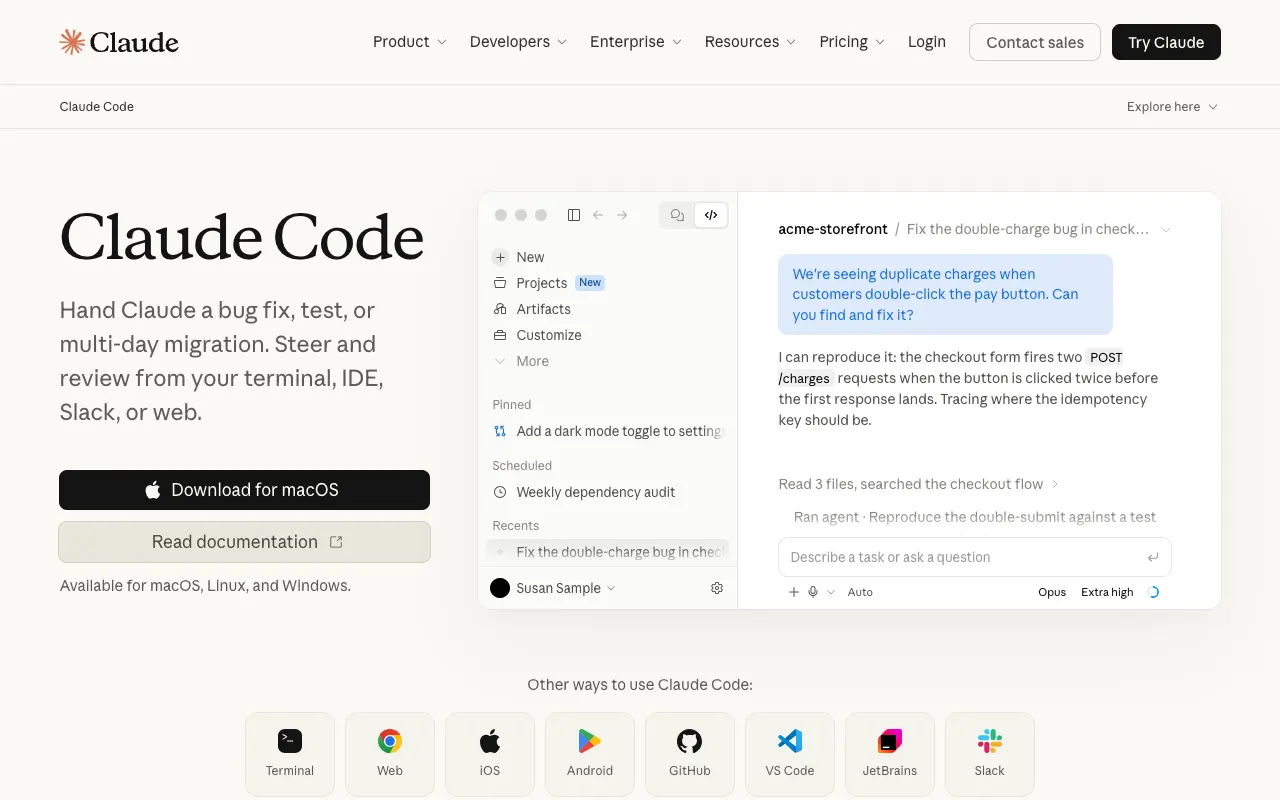
It suits a handful of Claude Code sessions run without an extra tool. The catch: one agent vendor, and no single view of many sessions across repositories.
Bossanova
Bossanova is a terminal UI and daemon that runs native Claude Code and Codex sessions, one git worktree per task session, on macOS and Linux. A per-repository setup script runs in each new worktree to install dependencies or copy environment files. Sessions are grouped by pull request, and their context is still there after you close the client, drop the connection or shut the laptop.
When CI fails, the branch conflicts or a reviewer requests changes, Bossanova's repair plugin starts a follow-up session to fix it. It's on by default, and you can turn it off per repository. With auto-merge for Dependabot on (the default for new repositories), Dependabot pull requests merge once their checks pass. Bossanova Cloud adds a web UI to control sessions on all your machines, and your code stays on the machines you control.
It suits developers running many sessions across repos who are tired of babysitting CI and review rounds. The catch: no Windows build, Claude Code and Codex only today (OpenCode is coming soon), and a terminal UI rather than a desktop app.
Price: free and open source on your machines. Cloud is $9/month (see pricing). The quick start takes you from install to a first session:
brew install bossanova-dev/tap/bossanova
How to choose
Answer four questions in order. Each one removes tools.
- What do you work on? Windows rules out Conductor, Superset (no Windows build yet), cmux and Bossanova. Linux rules out Conductor and cmux, and Superset's Linux build is still experimental.
- Which agents? If you run only Claude Code and Codex, every multi-agent tool here supports both (Claude Code on its own is Claude only). For Gemini, Amp, Goose or Aider, look at Superset and Pane (any CLI agent), Emdash (35 agent CLIs) or Paseo (many agents, more through ACP).
- Where should the agents run? On this laptop, everything works. On other machines you own, look at Bossanova, Paseo, Pane, Superset, or Emdash and cmux over SSH. In a vendor's cloud, look at Conductor Pro or cmux's paid plans.
- What should happen after the pull request opens? For failures fixed without asking, look at Bossanova (on by default) or Claude Code's desktop and cloud sessions (auto-fix, turned on per pull request). Paseo's optional Hub can also run a workflow you write when new PR comments arrive.
The free baseline: git worktrees and Claude Code's --worktree
Every tool on this page is built on the same git feature, so it's worth seeing what you get without any of them. A git worktree is a second working directory attached to the same repository, with its own branch:
$ git worktree add ../myapp-fix-login -b fix-login
Preparing worktree (new branch 'fix-login')
HEAD is now at 54cf40f init
$ git worktree list
/private/tmp/demo/myapp            54cf40f [main]
/private/tmp/demo/myapp-docs       54cf40f [update-docs]
/private/tmp/demo/myapp-fix-login 54cf40f [fix-login]Two things trip people up. Git refuses to check out a branch that another worktree already has:
$ git worktree add ../myapp-again fix-login
Preparing worktree (checking out 'fix-login')
fatal: 'fix-login' is already used by worktree at '/private/tmp/demo/myapp-fix-login'And untracked files (.env, node_modules) don't come along, so each worktree needs its own setup before anything runs.
Claude Code has done the worktree part for you since version 2.1.49 (February 19, 2026). Its--worktree flag (or -w) starts a session in .claude/worktrees/<name> on a branch called worktree-<name>. We ran it non-interactively on Claude Code 2.1.294, then listed the worktrees:
$ claude -w fix-typo -p "Print the output of: git branch --show-current && pwd"
$ git worktree list
/private/tmp/demo/myapp                             54cf40f [main]
/private/tmp/demo/myapp-docs                        54cf40f [update-docs]
/private/tmp/demo/myapp-fix-login                   54cf40f [fix-login]
/private/tmp/demo/myapp/.claude/worktrees/fix-typo 54cf40f [worktree-fix-typo] lockedNote the locked at the end. After the run exited, the worktree stayed locked with the finished session's process ID, and git wouldn't remove it until we unlocked it:
$ git worktree remove .claude/worktrees/fix-typo
fatal: cannot remove a locked working tree, lock reason: claude session fix-typo (pid 25160 start Thu Oct  8 16:14:20 2026)
$ git worktree unlock .claude/worktrees/fix-typo && git worktree remove .claude/worktrees/fix-typoThat's the baseline: isolation is free. What the tools above add is everything around it: a view of many sessions at once, setup scripts, review, remote machines, and what happens when CI turns red.
After the pull request opens
The expensive part of running several agents comes after the diff: a check fails overnight, a reviewer leaves six comments, a branch conflicts with main. This is what each tool's own documentation says it does about that. We didn't test these hands-on.
| Tool | Failing CI | Review comments | Merge conflicts |
|---|---|---|---|
| Bossanova | Starts a fix session automatically | Starts a fix session when changes are requested | Starts a fix session automatically |
| Claude Code | Desktop and cloud: fixes automatically once auto-fix is on for the PR | Desktop and cloud: addresses automatically once auto-fix is on | Not automatic: ask Claude to rebase |
| Conductor | One click: fix from the Checks row | One click: add unresolved comments to chat | One click: "Resolve merge conflicts" |
| Paseo | Attach failed check logs to chat | Attach to chat; Hub can run your workflow on new comments | Not documented |
| Pane | Detects and tells the coordinating agent | Not documented | Detects; "Use Claude Code to Resolve" button |
| Superset | Shown; you hand it to the agent | Shown; you hand it to the agent | Not documented |
| Emdash | Shown in a Checks tab | Shown | Not documented |
| Nimbalyst | Shown | Shown | Not documented (rebase is a manual action) |
| cmux | Not documented | Not documented | Not documented |
Status checks and reviews are GitHub concepts, explained in GitHub's docs on status checks and pull request reviews.
Where your agents run
Every tool here can run agents on the machine in front of you. The differences show up when you want them elsewhere. Some run a daemon on machines you own and connect to it (Bossanova, Paseo, Pane, Superset). Others reach your machines over SSH (Emdash, cmux), and some rent you a sandbox in their cloud (Conductor Pro, cmux's paid plans, Superset's early-access cloud workspaces, Claude Code's cloud sessions).
Whichever you choose, the agent itself sends your prompts and the code it reads to its model (Anthropic for Claude Code, OpenAI for Codex), under your own plan or API key, unless you point it at a local model, as Codex can with --oss. A local-only tool keeps the orchestration on your machine, but the model still sees whatever code the agent reads. Oursecurity page explains what Bossanova's relay can and cannot see.
When to choose Conductor
Choose Conductor if all of these are true:
- You work on a Mac and don't need Windows or Linux.
- Your code lives on GitHub.
- You prefer a polished chat view of each agent to its native terminal.
- You'd use its cloud workspaces or live collaboration, or the free plan already covers you.